
AI virtual try-on
The same photo of you.The garment on top.
FittingRoom takes your photo and a photo of the garment, then generates the result. Your clothes stay in one wardrobe, you build outfits from them, and you know what to wear tomorrow morning.
Free to download, with try-on credits to start with.
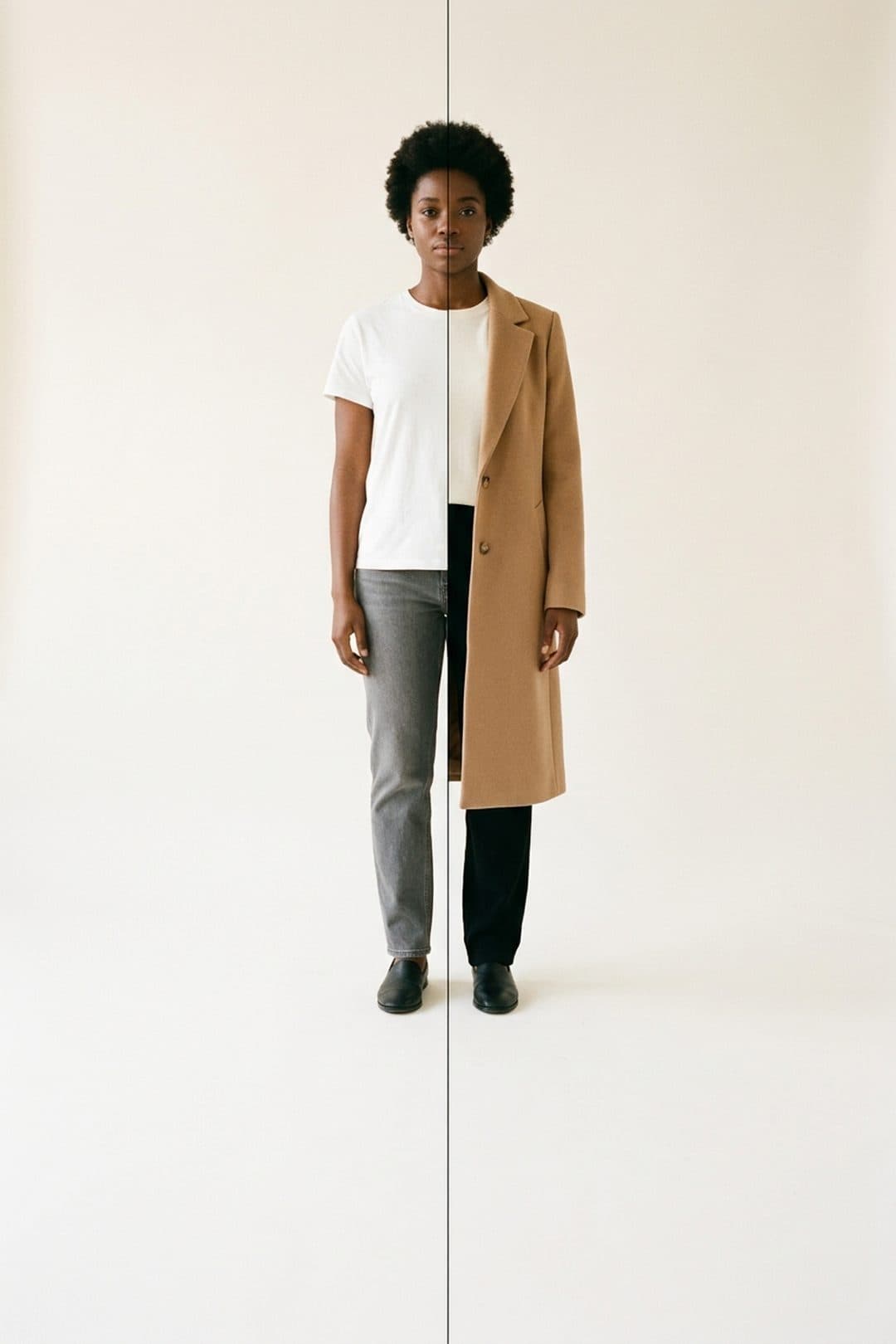
One shot. On the left the photo as it was taken, on the right the coat added by the app.
The flow
Three moves, from garment to verdict
Order matters: a garment you save once serves every try-on after it.
 01
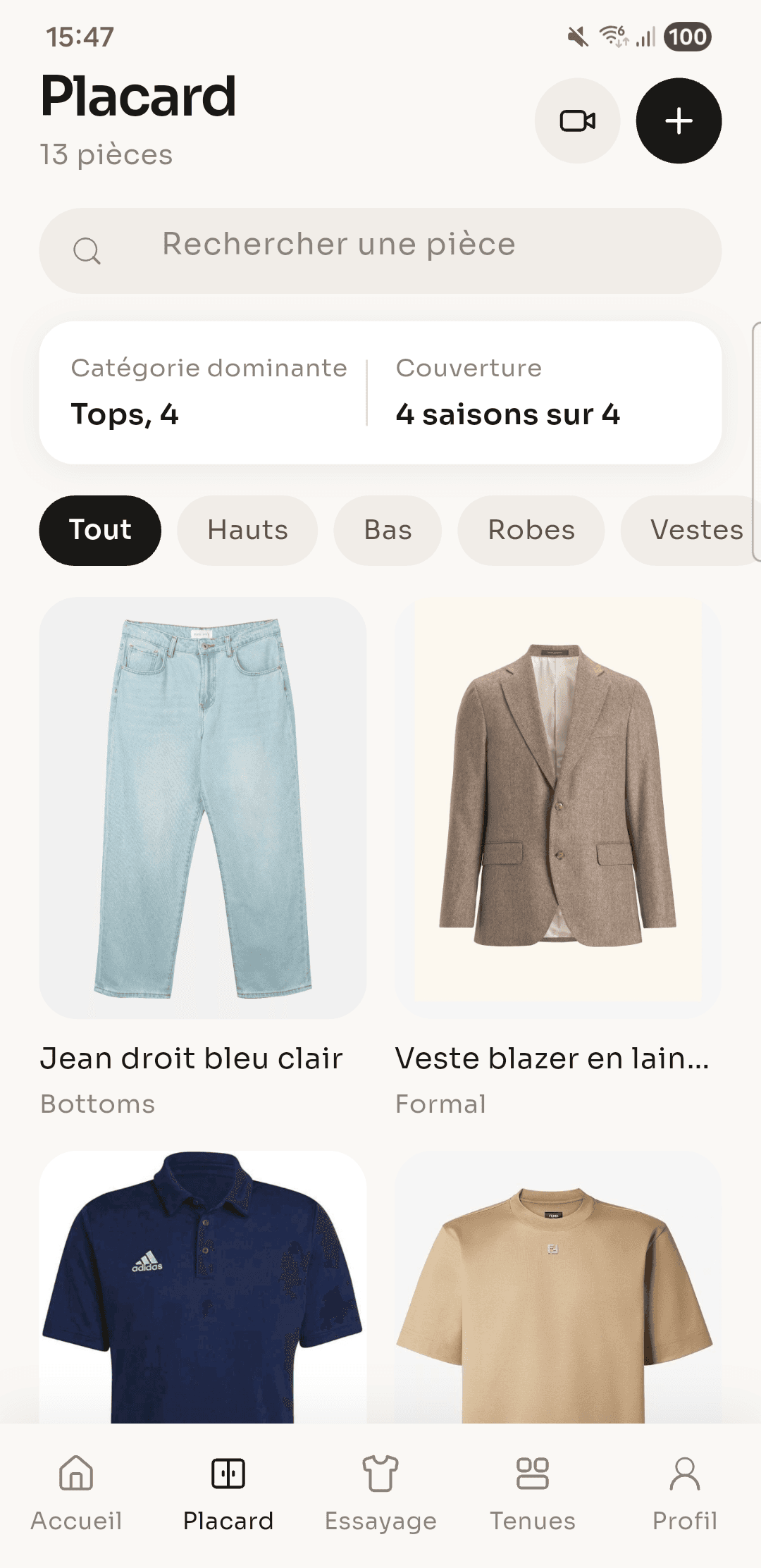
01Save a garment
Photograph the piece or import its picture. FittingRoom sorts it by category and season, and your wardrobe fills up.
 02
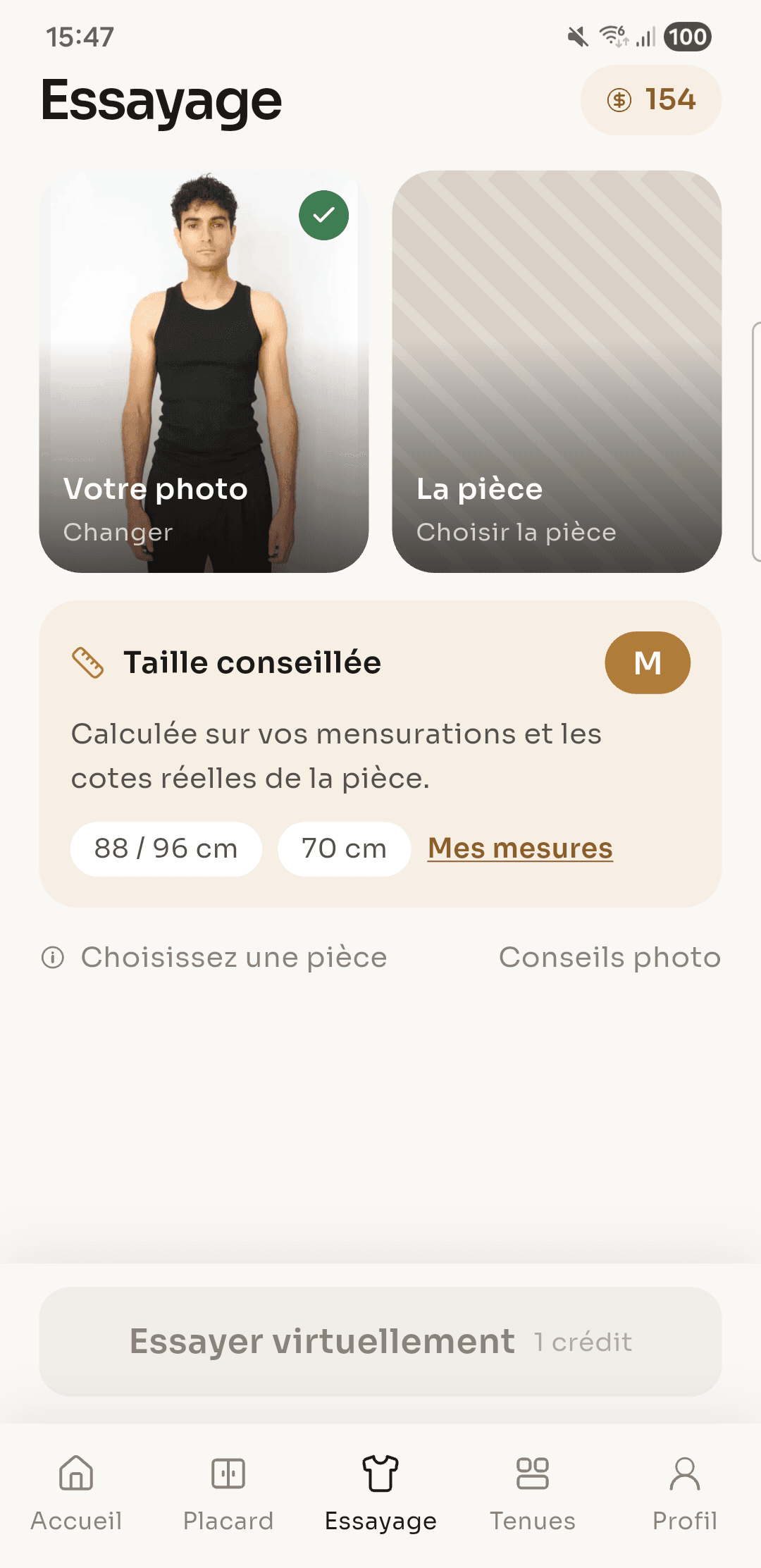
02Run the try-on
Pick your photo, pick the garment. The result comes with a suggested size, worked out from your measurements and the garment's real dimensions.
 03
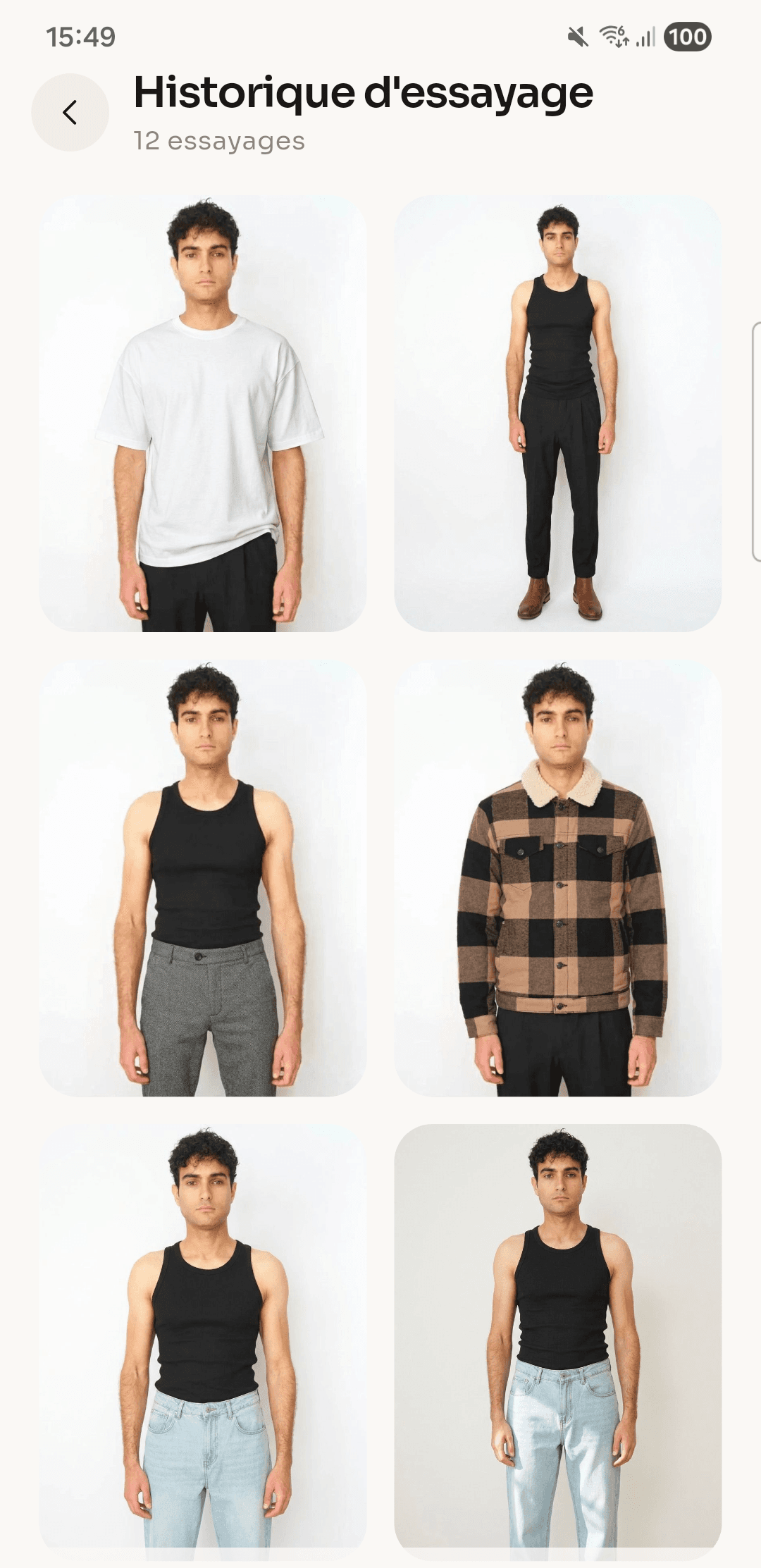
03Keep what suits you
Every try-on stays in your history. Compare two cuts side by side, then decide.
What the app does
A wardrobe that earns its place
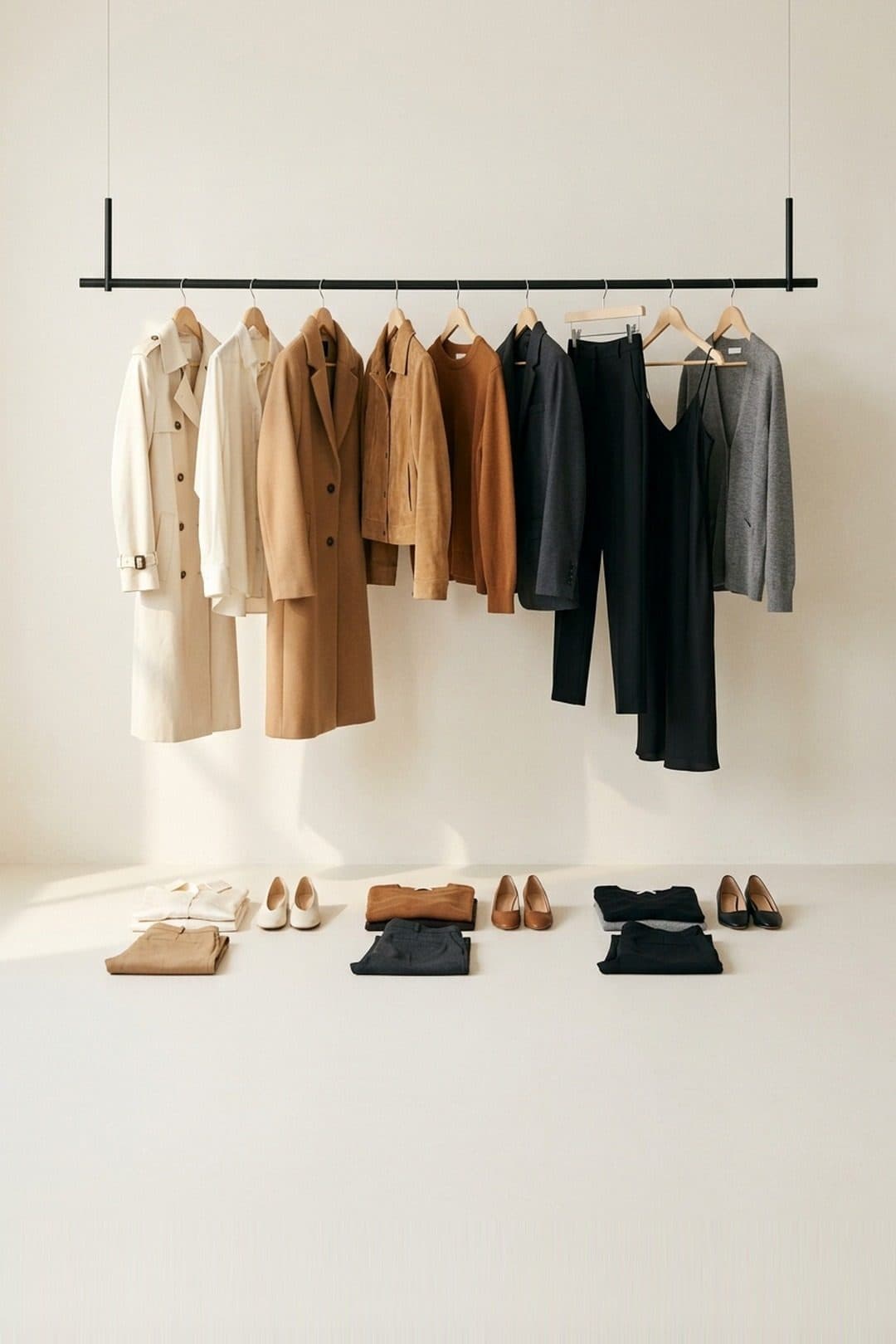
Wardrobe
Your whole dressing room in one view
Every saved piece carries its category and its season. Search finds a top from two letters, and the app tells you what you have not worn this month.
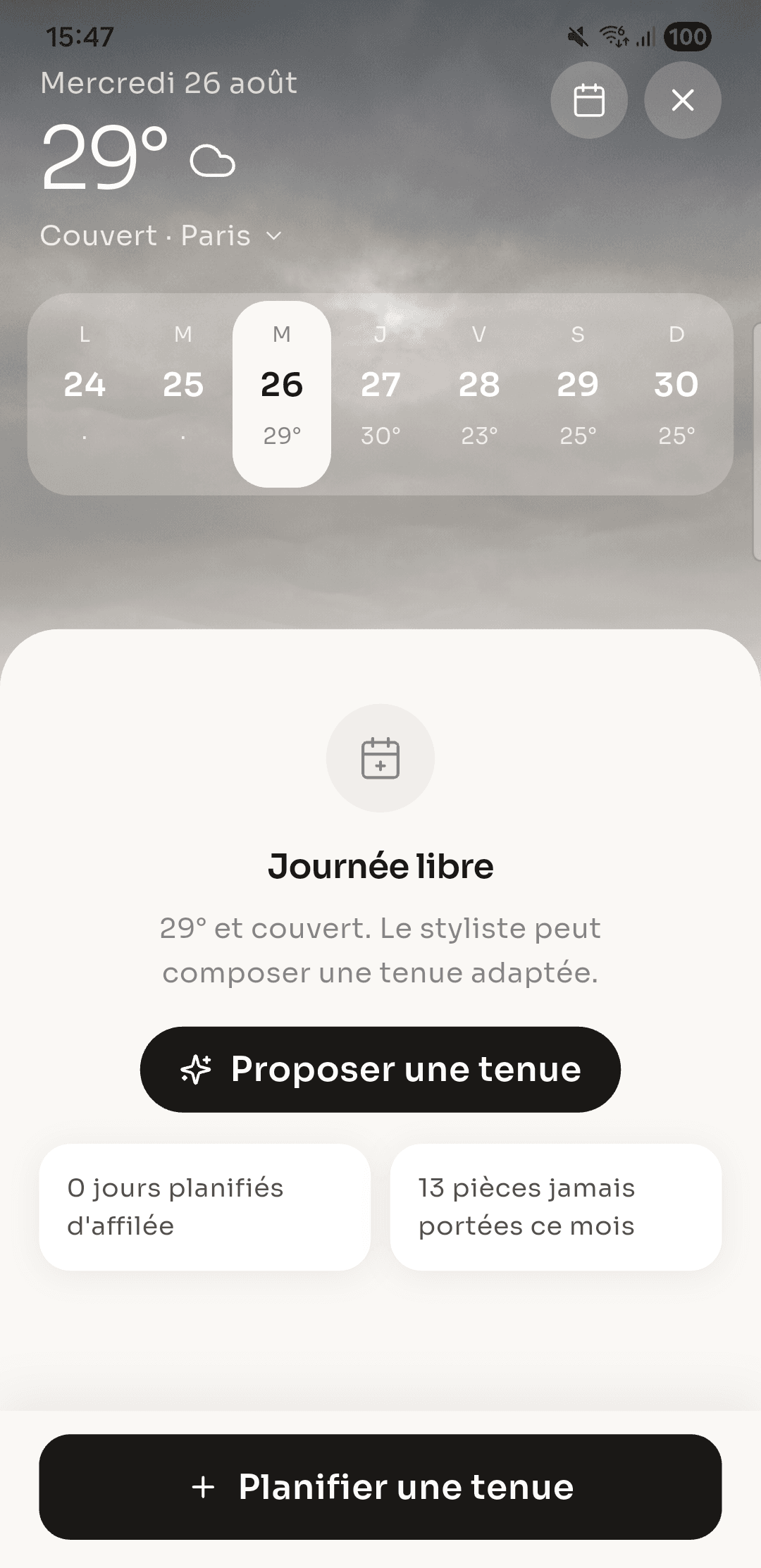
Planner
Tomorrow's outfit, picked tonight
The week shows up with the day's weather. Drop an outfit on a date and a reminder reaches you that morning.
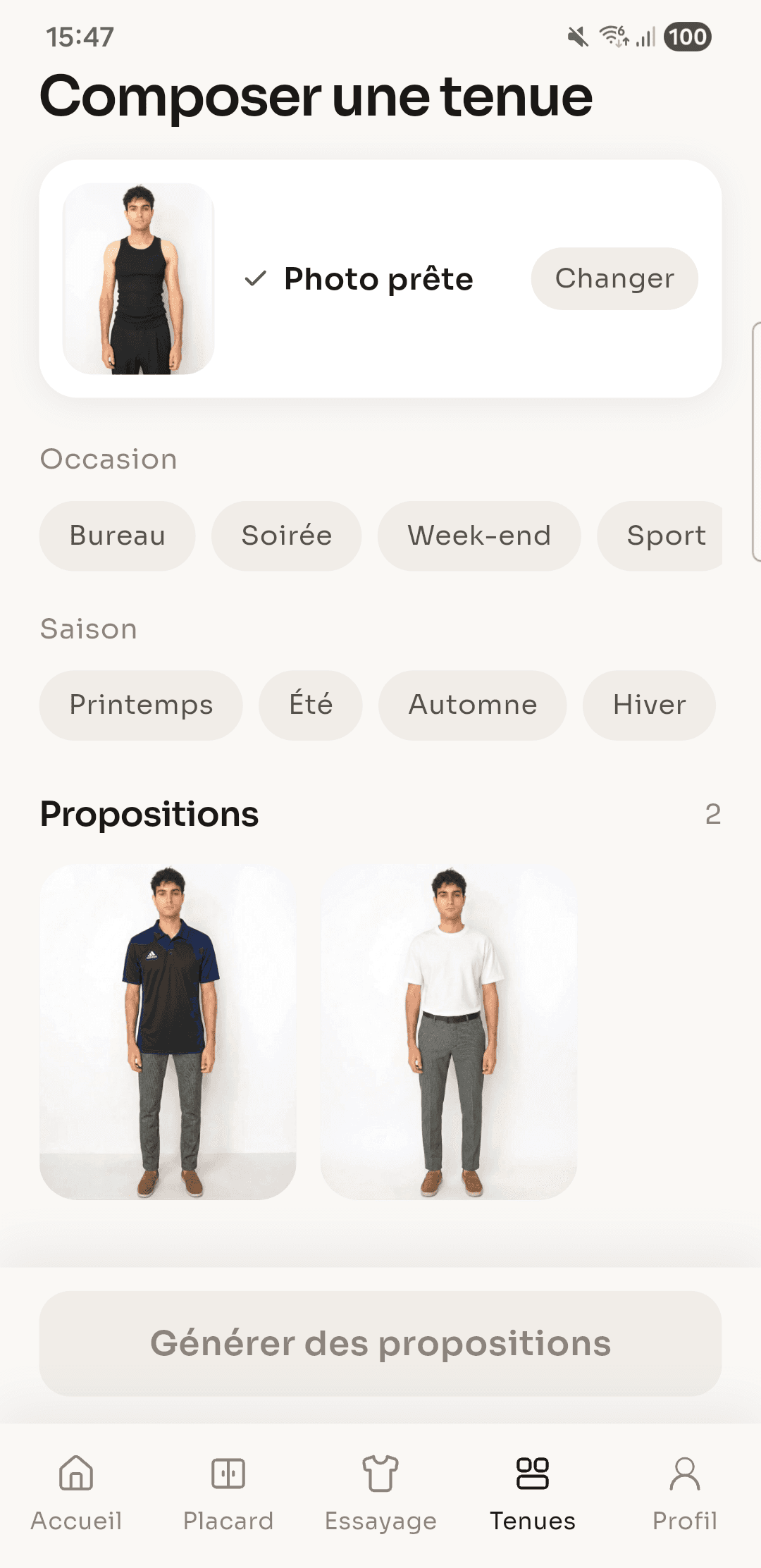
Full outfits
Top, bottom, jacket. Set the occasion and the season, and the app puts together sets from your own wardrobe.
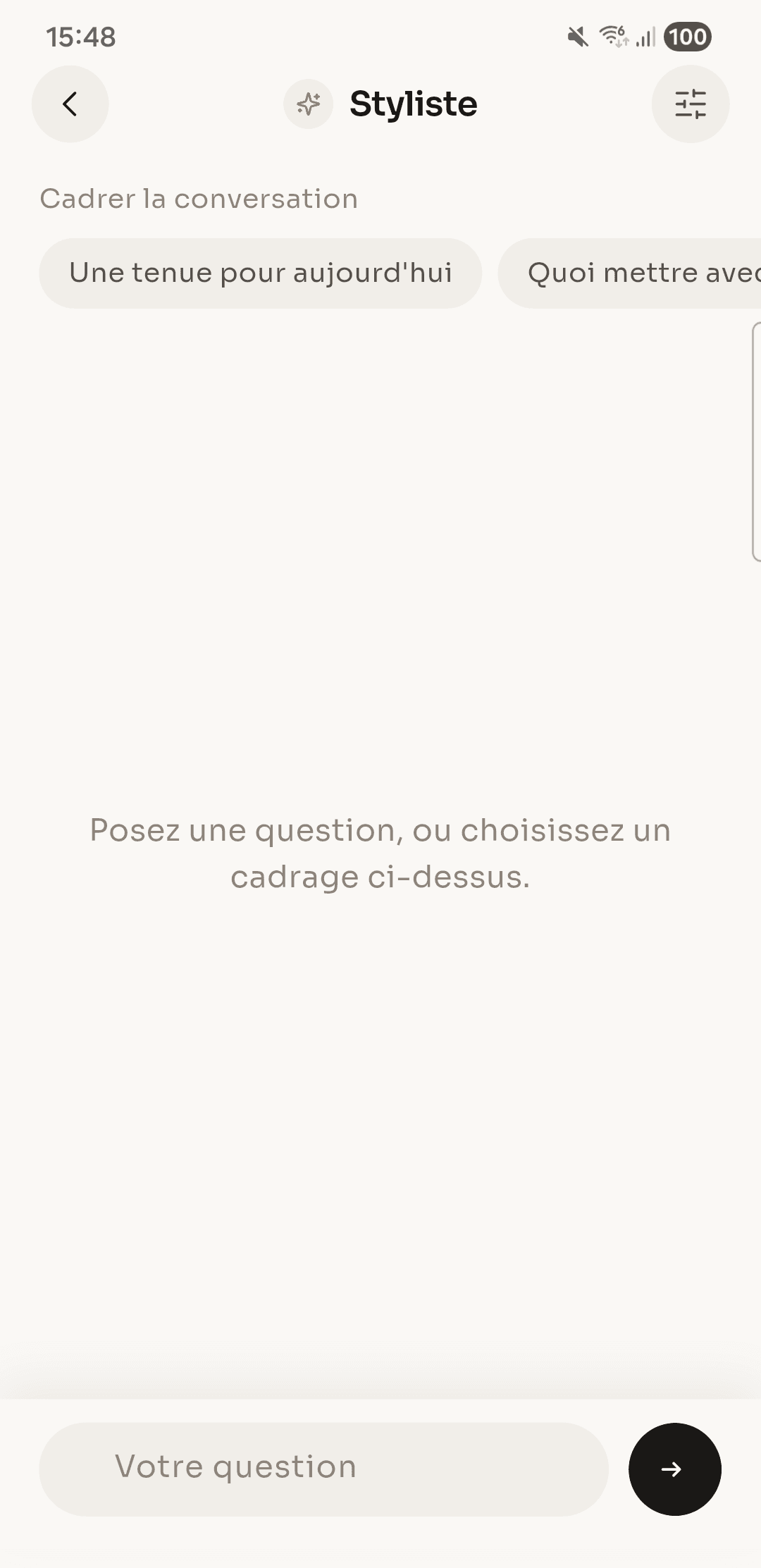
Stylist
Ask a plain question, get an answer that accounts for what you already own.
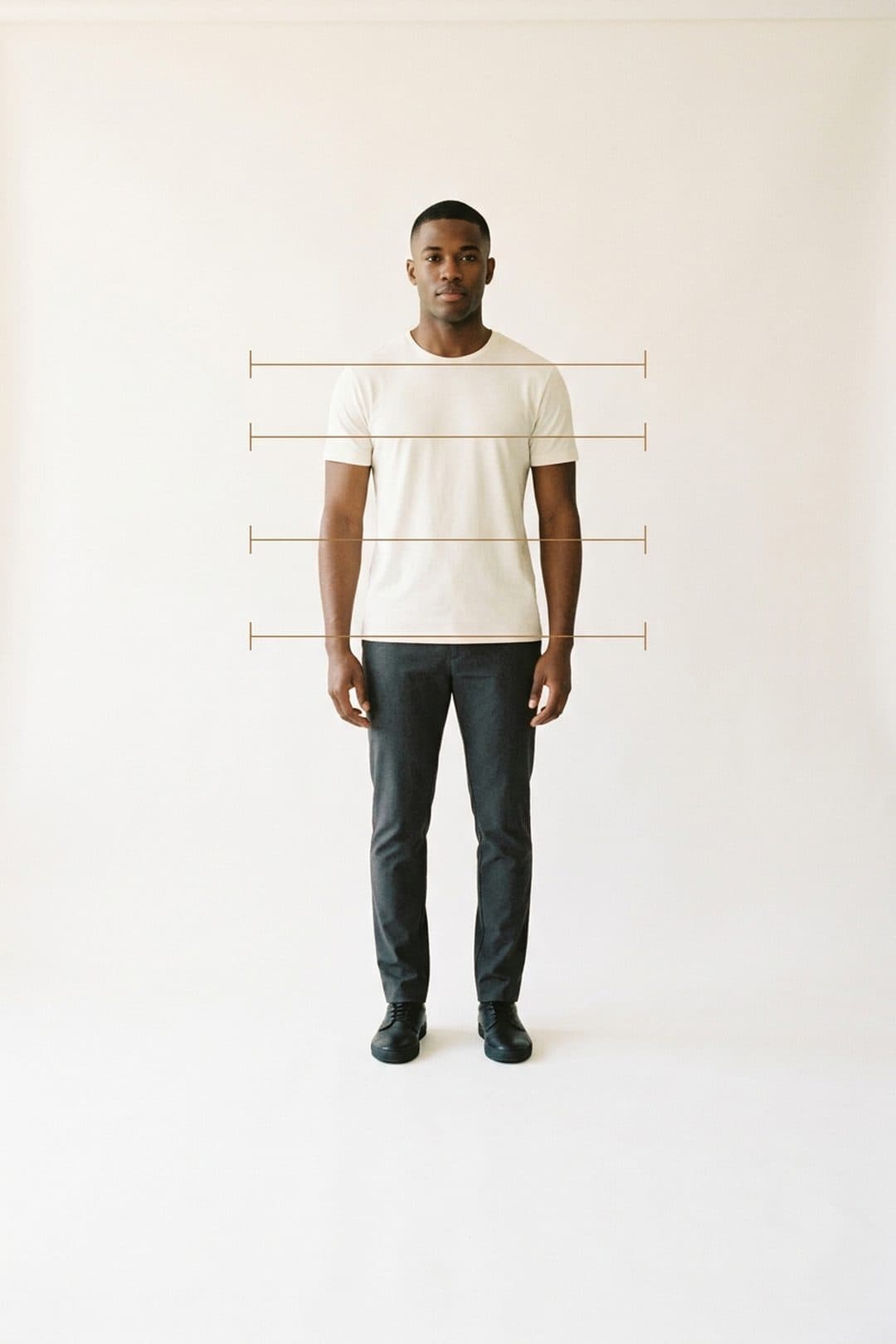
Suggested size
Your measurements on one side, the garment's on the other. The size comes out of the maths, not out of an average.
Credits and Premium
Free to start, Premium when it counts
Each try-on costs one credit, and you get a batch when you open your account. Premium unlocks unlimited try-ons, high definition results and removes ads.
- Unlimited try-ons
- High definition results
- No ads
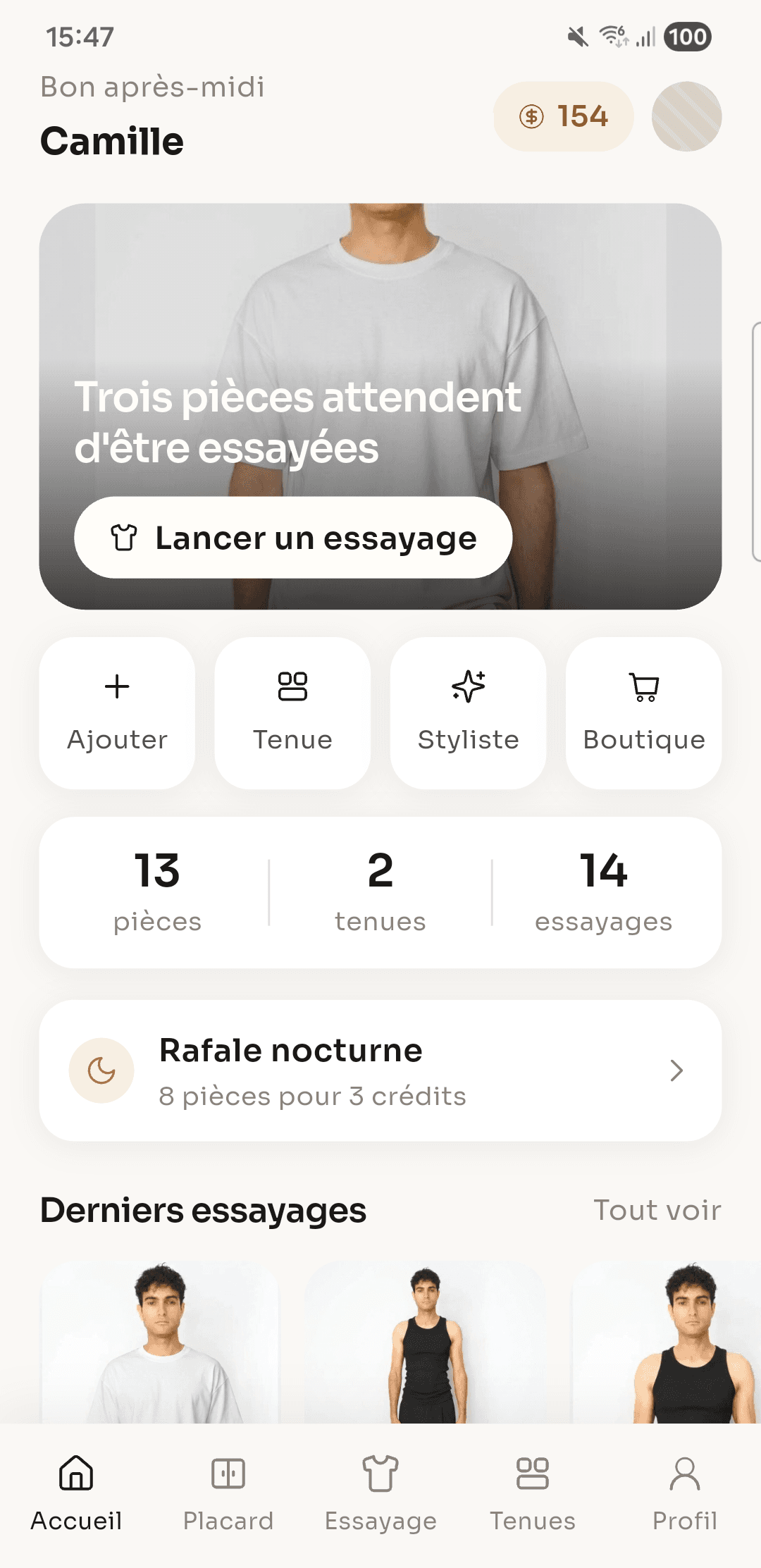
What photo of me do I need?
A front facing photo, full length or waist up, on a plain background with even light. The app shows examples before your first try-on.
What does it cost?
Downloading is free and you start with try-on credits. The Premium subscription unlocks unlimited try-ons, high definition results and removes ads.
Does the app read my gallery?
No. FittingRoom asks for no media read permission at all: the system picker lets you choose one photo, and the app only ever sees that one.
Where do my photos and results go?
They belong to your account and live in My photos and in the try-on history, where you can look at them again.
Which phones?
iPhone and Android, in French and in English.
Another question?
Write to contact@fittingroom.fr and we answer.